


July 2024 | Product Spotlight
Welcome to the July edition of our monthly Product Spotlight, highlighting the biggest and most exciting updates in Pinpoint.
Article
22 Jul 24
Welcome to the July edition of our monthly Product Spotlight, highlighting the biggest and most exciting updates in Pinpoint.

Hi there 👋
I’m Emilia Carvell, Senior Customer Support Specialist at Pinpoint. This month I’m sharing some exciting updates to our applications and candidate profile views. Let’s dive in.
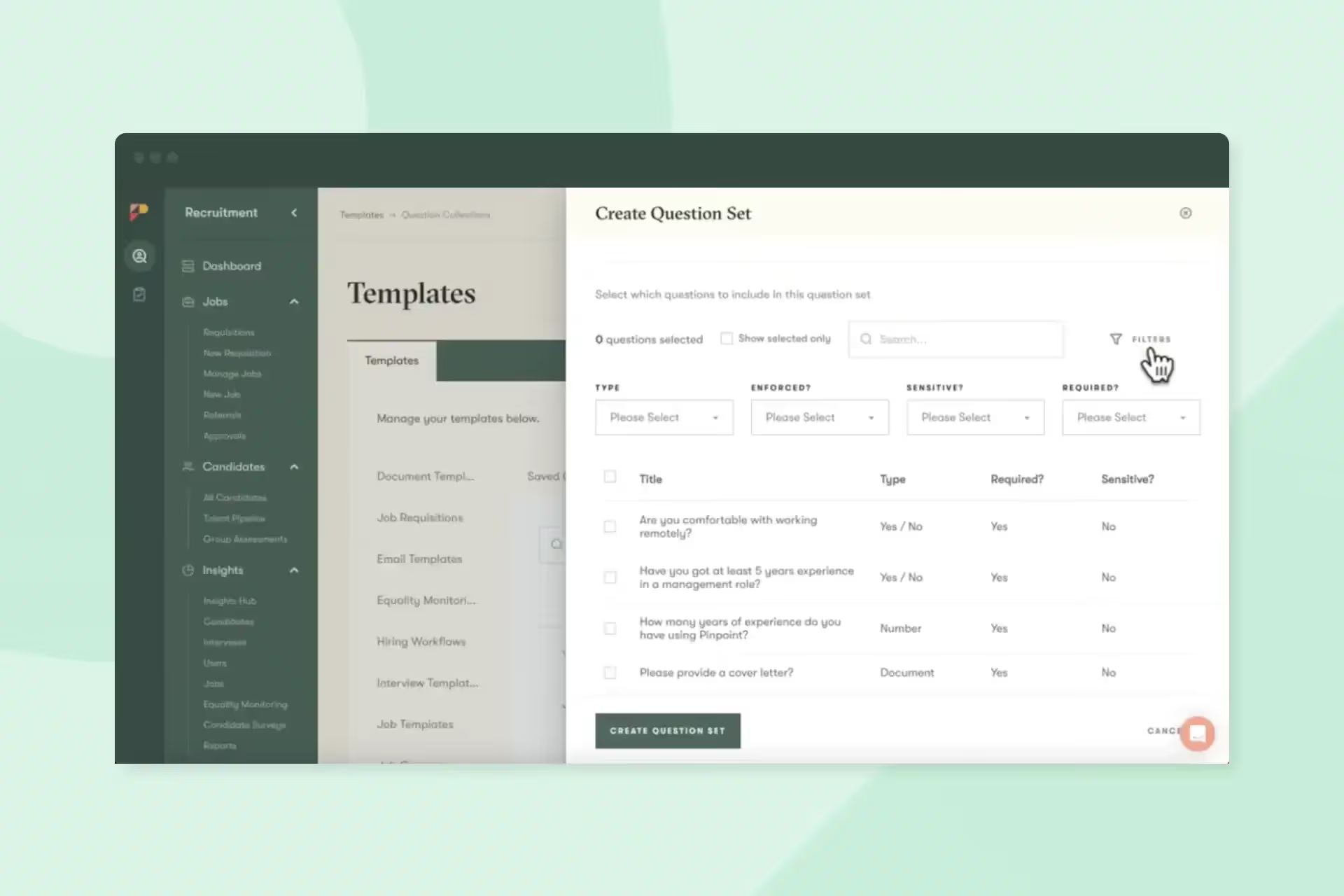
Adding questions to your hiring workflow helps streamline it and ensure that candidates answer important questions at different stages of the interview process. With this feature, you can create sets of questions to be asked at specific stages of your hiring workflow, and Pinpoint will automatically remove questions already answered by the candidate.
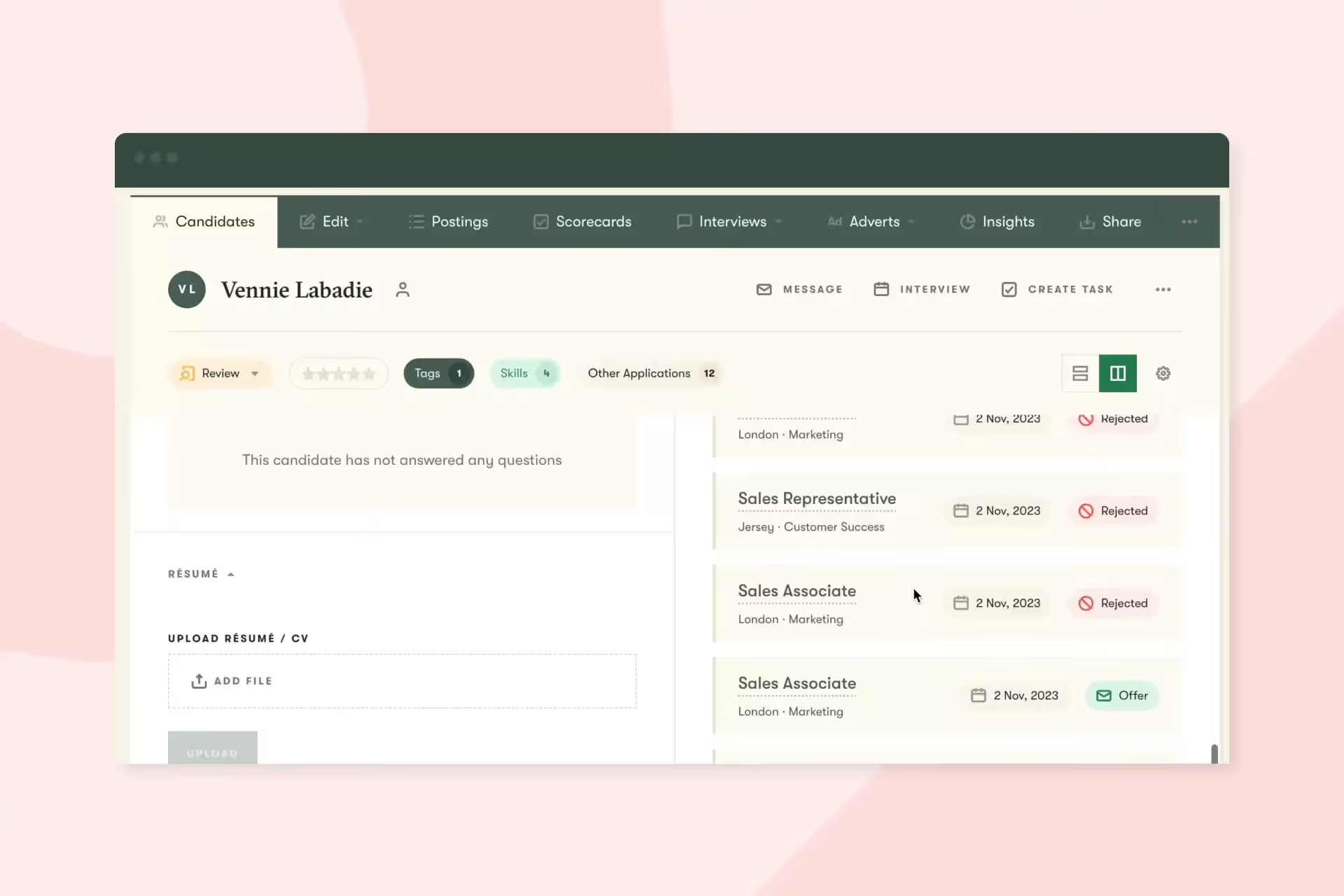
Candidate split views can now scroll independently from one another. A small change that will have a big impact on making it easier to compare information across different windows.
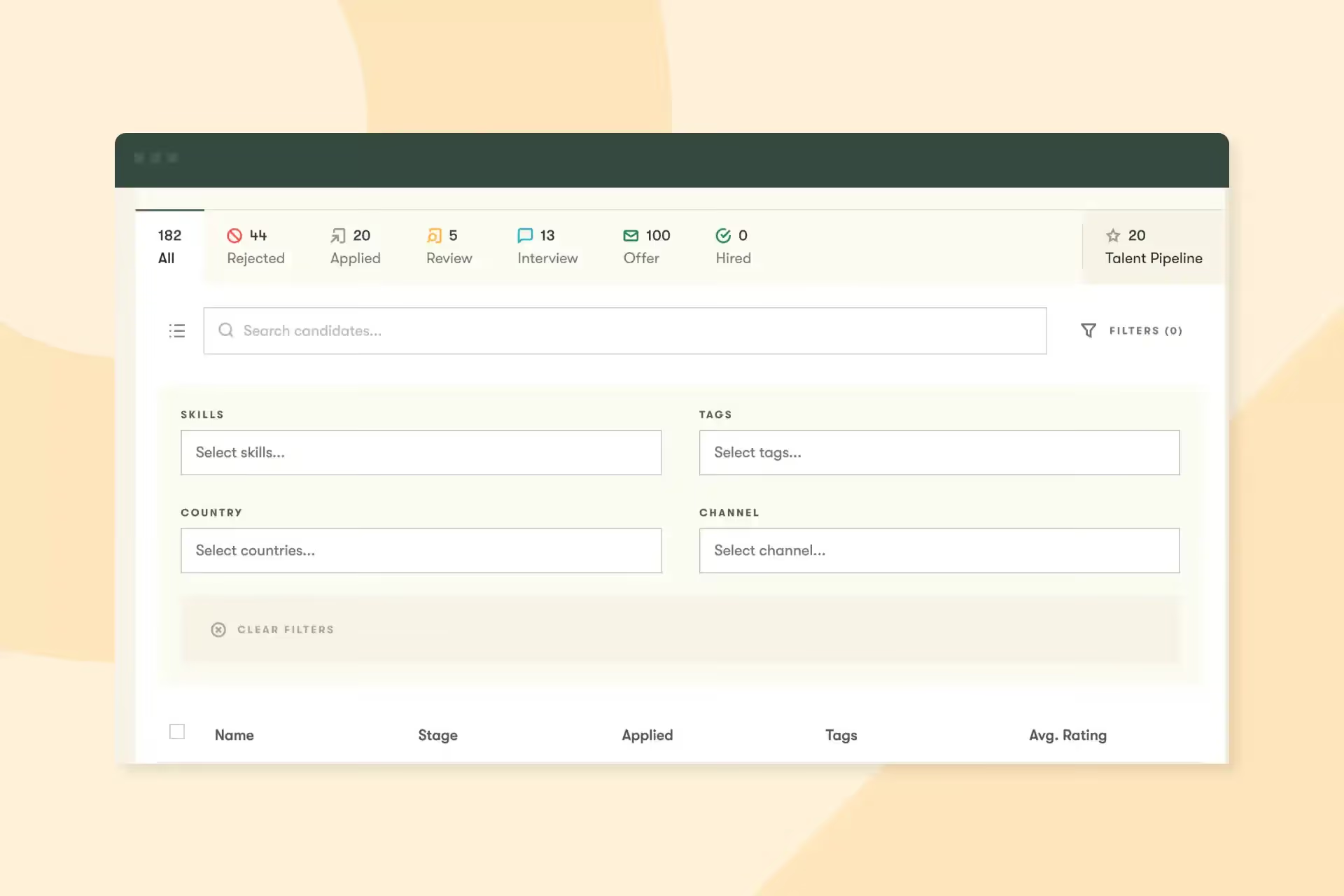
Source and country have been added to candidate filters. These filters appear on the candidate section when viewing a job.
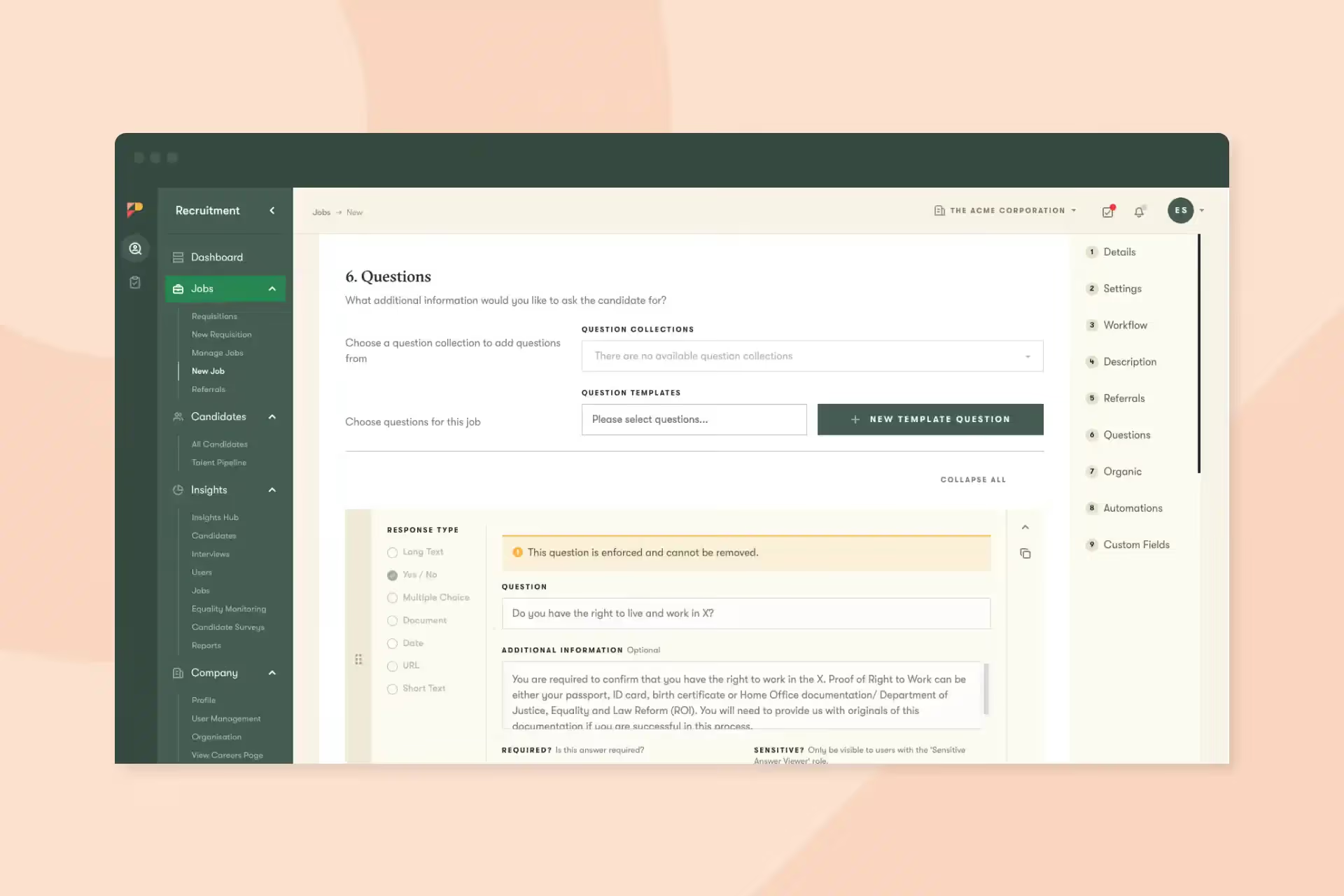
Whilst creating a new job (or editing an existing one) you’ll find a section of the setup page called Questions. You can use this section to add questions to your job’s application forms and then use the answers to those questions to filter candidates, set up automated actions on candidates, and produce reports.
And that’s it for this month. We’d love you to get in touch if there’s anything we can help with, or if you have feedback on this latest product update.